On this page
Start with the character you are playing
Choose a checklist profile and give it a name you recognize, such as your character and server. Work through the setup checks before committing one-time rewards or a server-specific purchase.
Use this as a short list of decisions, not a race to finish every activity. A story step or one reliable dungeon clear is a useful goal for a short session. Later milestones can wait until your character is eligible.
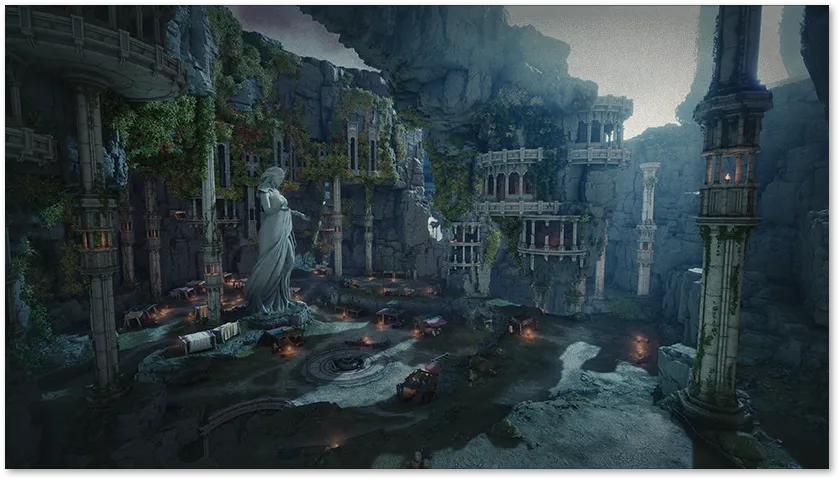
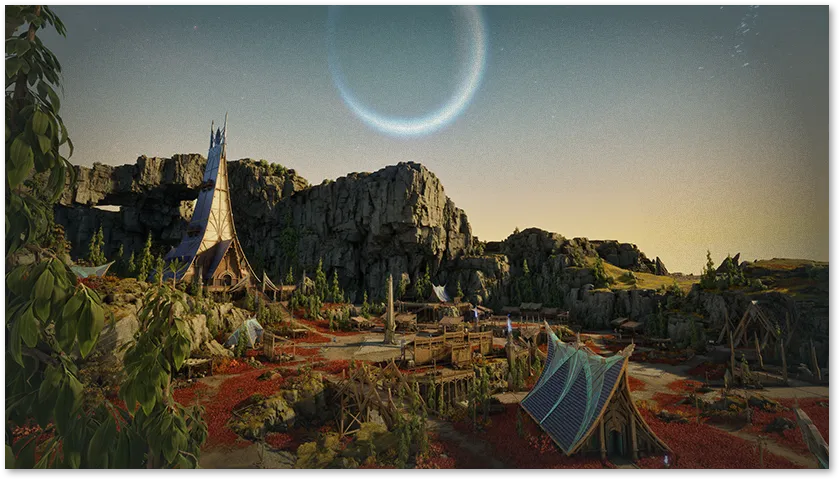
Sources for this section (4)
- [Notice] New Server and Matchmaking InformationNC / AION 2 Global · Global · Published 4 October 2026 · Reviewed 5 October 2026
- Launch FAQNC / AION 2 Global · Global · Published 30 September 2026 · Reviewed 2 October 2026
- Advanced Access Known Issues (Updated: 10/4)NC / AION 2 Global · Global · Published 3 October 2026 · Updated 4 October 2026 · Reviewed 5 October 2026
- Official AION 2 global showcase — factions, locations, dungeons and petsNC / AION 2 Global · Global promotional preview · Reviewed 4 October 2026
Your saved checklist
Check a task when it is done for the selected character. Read its linked guide if you need the details. Setup and progression checks are milestones; session checks are a reusable routine.
Your three profiles stay in this browser on this device. They do not sync with the game or another device. Export a file if you want to keep a record of your progress before clearing browser data. If browser storage is unavailable, the checklist works for the current visit and shows a message explaining that limit.
Progress stays in this browser. You can keep separate checks for three characters.
Plan repeat activities from your current client
Before repeating an activity, inspect its entry requirements, available attempts, energy and reward screen separately. Being able to enter does not by itself tell you whether another reward is available.
Reset a group when you want to begin its checks again. Undo reset restores the most recent reset while that option remains available. For the weekly group, first check that the relevant activity has reset in your service. The checklist does not spend items, claim rewards or run a game action.
Short messages for your party
Copy a message, replace the bracketed details and send it yourself when useful. These are ordinary messages for coordinating a group.
| When | Message to adapt |
|---|---|
| Choose a destination | Our group is starting in [region], [faction], on [home server], using [Advanced Access / launch] servers. Please confirm before creating your main. |
| Find a learning party | Learning [dungeon] on [difficulty]. I play [class / role]. Happy to take it slowly and explain mechanics before each boss. |
| Check readiness | Before we start: are everyone’s entry requirements and reward eligibility ready? Please say if you need a first-clear explanation. |
| Review a wipe | I missed [cue / mechanic]. Can we agree where to move and when to use our defensive skill for the next attempt? |
| End the session | Thanks for the run. My next goal is [activity / upgrade]; I will be back around [time and time zone]. |
Sources for this article
- Launch FAQNC / AION 2 Global · Global · Published 30 September 2026 · Reviewed 2 October 2026
- [Notice] New Server and Matchmaking InformationNC / AION 2 Global · Global · Published 4 October 2026 · Reviewed 5 October 2026
- Twitch Drops Account Linking GuideNC / AION 2 Global · Global · Published 2 October 2026 · Reviewed 2 October 2026
- [Notice] (Updated) New Product Announcement on 8/18 (Tue): Special Quai MembershipNC / AION 2 Global · Global · Published 19 August 2026 · Updated 2 October 2026 · Reviewed 5 October 2026
- Advanced Access Known Issues (Updated: 10/4)NC / AION 2 Global · Global · Published 3 October 2026 · Updated 4 October 2026 · Reviewed 5 October 2026
- Official AION 2 global showcase — factions, locations, dungeons and petsNC / AION 2 Global · Global promotional preview · Reviewed 4 October 2026
Publisher facts are summarized in original prose. Practical recommendations are editorial advice. Read our methodology.
CONTINUE EXPLORING